
FAQ
Questions developers ask about RegalScene.
How buyers move from the masterplan to a unit, and how the enquiry reaches your team as a lead.
- Masterplan
- Project
- Tower
- Unit
- Enquiry
- Lead
- Lead view
General
What is an interactive sales gallery?
An interactive sales gallery is a digital platform that turns a property developer's visual sales assets into a guided buyer experience. Buyers explore master plans, building views, floor plans and units online, in a physical gallery, at roadshows, or from their phone after visiting.
What is a digital sales gallery for real estate?
A digital sales gallery is an online extension of a physical property showroom. Buyers explore the development, compare units, check availability and enquire, and the enquiry arrives with what they explored.
What is RegalScene?
RegalScene is an interactive sales platform for property developers. Buyers move from the masterplan to a project, a tower and a unit, and enquire from the unit itself. Your sales team receives the lead with the unit, where the buyer came from, and the steps they took. It works on your website, in sales galleries, at roadshows and in follow-up.
Does RegalScene replace our physical sales gallery?
No. RegalScene supports and extends your sales gallery. Buyers can explore before visiting, agents can use it during the visit, and buyers can continue exploring after they leave.
What types of projects does RegalScene support?
Residential communities, high-rise towers, villa developments, townships, mixed-use developments, commercial districts, logistics free zones, industrial parks and destination projects: anywhere buyers, tenants or investors need to understand location, availability and the details of a unit or plot.
Can RegalScene be used before construction starts?
Yes. It is especially useful for off-plan and pre-launch projects, because it turns your existing renders, site plans, floor plans and unit layouts into an interactive experience before the project is completed.
Do we need 3D models to use RegalScene?
No. RegalScene works with existing sales assets such as master plans, renders, building images, floor plans, unit drawings and panoramic images. A 3D model can be added if you have one.
Does RegalScene work for non-residential projects?
Yes. Logistics free zones, industrial parks and commercial districts can each have their own inventory template and asset types, such as warehouses, land plots and build-to-suit parcels, with enquiry forms that ask for company details, required space and intended use.
Platform
How does RegalScene work?
RegalScene connects your visual project assets into one buyer journey: masterplan, project, tower, floor and unit, then the enquiry. The enquiry becomes a lead for your sales team, with the unit, the source and the steps the buyer took on that visit.
Can RegalScene be embedded into our existing website?
Yes. RegalScene can be embedded into an existing project website and into your agencies' sites, carrying your project's branding.
Do content updates need our own developers?
No. Your team updates availability and enquiry settings directly. Changes to views, links and content are handled through RegalScene's managed support, or through controlled team access on plans that include it, so nothing depends on your engineering team.
How do property developers use interactive master plans?
A high-resolution site plan render becomes an interactive master plan with clickable zones, buildings, amenities and navigation links. Buyers zoom in, explore the areas they care about, move down to floor plans and enquire about specific units, all from one guided experience.
Can RegalScene support multiple projects or developments?
Yes. Each project has its own views, inventory and availability, and new phases or developments are added without rebuilding what is already live.
Is RegalScene white-label?
Not fully. RegalScene carries your developer brand, project identity and colours, and runs on your own website and your agencies' sites, but a small "Powered by RegalScene" mark always remains.
Does RegalScene support 360-degree building views?
Yes. Buyers can rotate a building through multiple angles, zoom into the facade and select units directly on it. The 360-degree building view sits between the master plan and the floor plan, so buyers move from the whole development to a tower to a unit.
Can buyers compare units or assets side by side?
Yes. Buyers can shortlist and compare units, plots or warehouses side by side: size, layout, current status and, where you show it, price.
Is unit or asset availability kept up to date?
Yes. Each unit, plot or warehouse shows its status, such as available, reserved or sold, directly on the building or plan. Your team updates availability in RegalScene, and every published experience shows the change without being re-launched.
Which languages does RegalScene support?
English, plus one second language per project, chosen from Arabic (with full right-to-left), Bahasa Melayu, Chinese (Simplified or Traditional), Hindi and Tamil.
Distribution & Agencies
Can buyers share a project, building or unit?
Yes. The whole project, a building or a single unit can be shared by QR code, WhatsApp or a copied link. Every shared link opens your published experience, so the next person's enquiry still arrives in context.
Can we sell through multiple agencies without losing control?
Yes. The same experience runs on your own website and on every agency selling for you. You stay the single source for content, availability and pricing, and every enquiry comes back to you, whichever site the buyer came from.
Who owns the leads and buyer data?
The developer does. Every embed points to one published experience, and all leads flow back to you. Each agency sees and contacts only the leads it generates, and never another agency's.
Can each agency see its own leads?
Yes. Agencies show the same experience on their own sites, see the leads they generate and contact those buyers directly, while you keep a complete view across every channel.
Sales Gallery & Roadshows
Can RegalScene be used inside sales galleries or showrooms?
Yes. It runs on large screens, tablets, touchscreens and sales devices, so agents can guide buyers through the project visually.
Can we use RegalScene at mall booths, roadshows or launch events?
Yes. QR codes, campaign links and agent links let visitors explore the project during or after an event, and their enquiries record where they came from.
Can buyers continue exploring after they leave the sales gallery?
Yes. Buyers can continue from their phone or laptop, share units with family, revisit options and enquire later.
Can agents share specific units, floors or project links?
Yes. Agents can share direct links to specific views, floors or units, so buyers do not have to start from the beginning.
Leads & Follow-Up
How are leads captured?
Buyers can enquire through enquiry forms, callback requests, viewing and brochure requests, or WhatsApp, depending on the project setup.
What buyer context is attached to each lead?
An enquiry includes the buyer's details and request, the project and the view they were on, the unit when they enquired about one, the steps they took in that visit, the page and campaign tags they arrived with, any agency or salesperson link, and when it arrived.
Does RegalScene support WhatsApp enquiries?
Yes. A WhatsApp button can open the conversation with the unit the buyer was viewing already written into the message, so the agent knows where to start. LINE, Zalo and Messenger are not supported as enquiry buttons today.
Can RegalScene connect to our CRM?
Not directly today. Enquiries can be managed in RegalScene, or buyers can be directed to your existing form or WhatsApp flow.
How does RegalScene help sales agents?
Agents follow up with context. Instead of asking what the buyer is interested in, they open the lead and see which project, unit and floor the buyer explored before enquiring.
Buyer Intent & Insights
What is buyer intent in real estate sales?
Buyer intent is what a buyer explored before contacting the sales team: which towers, floors, units and layouts they looked at, what they shared and which buttons they used. It lets sales teams follow up with relevance instead of guesswork.
What insights are available?
RegalScene can show project engagement, interest by unit, floor and building, how far buyers go and where they stop, button clicks, visitor countries and languages, and the source recorded on each enquiry.
Can we see which units, floors or zones buyers engage with most?
Yes. RegalScene shows which towers, floors, units and zones attract attention.
Can we see the buyer's journey before a lead was submitted?
Yes. Each lead keeps the buyer journey from the visit that produced it: what they viewed, shared and clicked, step by step, up to the enquiry.
Can we measure campaign and roadshow performance?
Partly. Each enquiry records the campaign link, QR code or agent link it came from, so you can see and filter where enquiries come from. There is no side-by-side campaign comparison report today.
Pricing & Implementation
How is pricing structured?
Pricing is scoped around the project. An engagement is usually made up of a one-time implementation and onboarding, a recurring platform subscription, any scoped capabilities and integrations the project calls for, and further scope as you add phases or developments. Inventory size never sets the price. There is no self-serve checkout: you send a request and we prepare a written scope and commercial proposal.
Do we build the experience ourselves, or do you?
We build your first experience with you during onboarding; it isn't a DIY tool you're left to figure out. Afterwards your team manages availability, pricing and enquiry settings, and content changes are handled with you, without needing developers.
Can we see it before committing?
Yes. You can explore a live demonstration project at any time, and we can set up a demo experience for your project so your team can see it working before deciding. Engagements usually begin with a single project.
How long does implementation take?
It depends on the project's assets, the views it needs and any integrations. A focused single-project engagement can start once the visual assets and project information are ready, and we agree the plan when we scope the project.
What do we need to provide to get started?
Typically master plans, building images or renders, floor plans, unit layouts, availability or inventory information, project copy, branding assets, and your enquiry requirements.
Can we start with one project first?
Yes. Many developers start with one launch project or one roadshow campaign, then add more projects and agencies later.
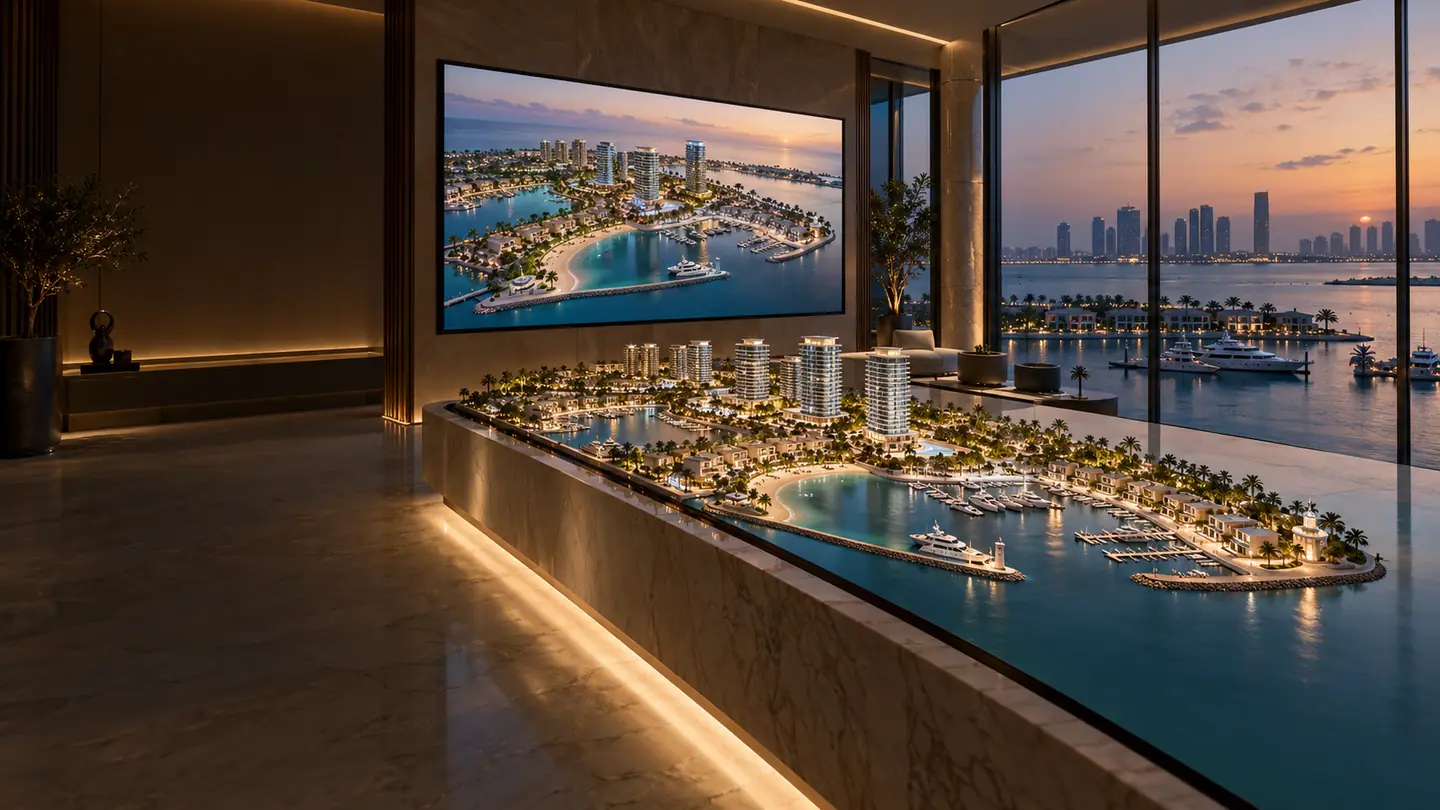
See the answers in a live project.
Open a live project and go from the masterplan to a unit. Or ask us anything this page doesn't cover.